
Integrations
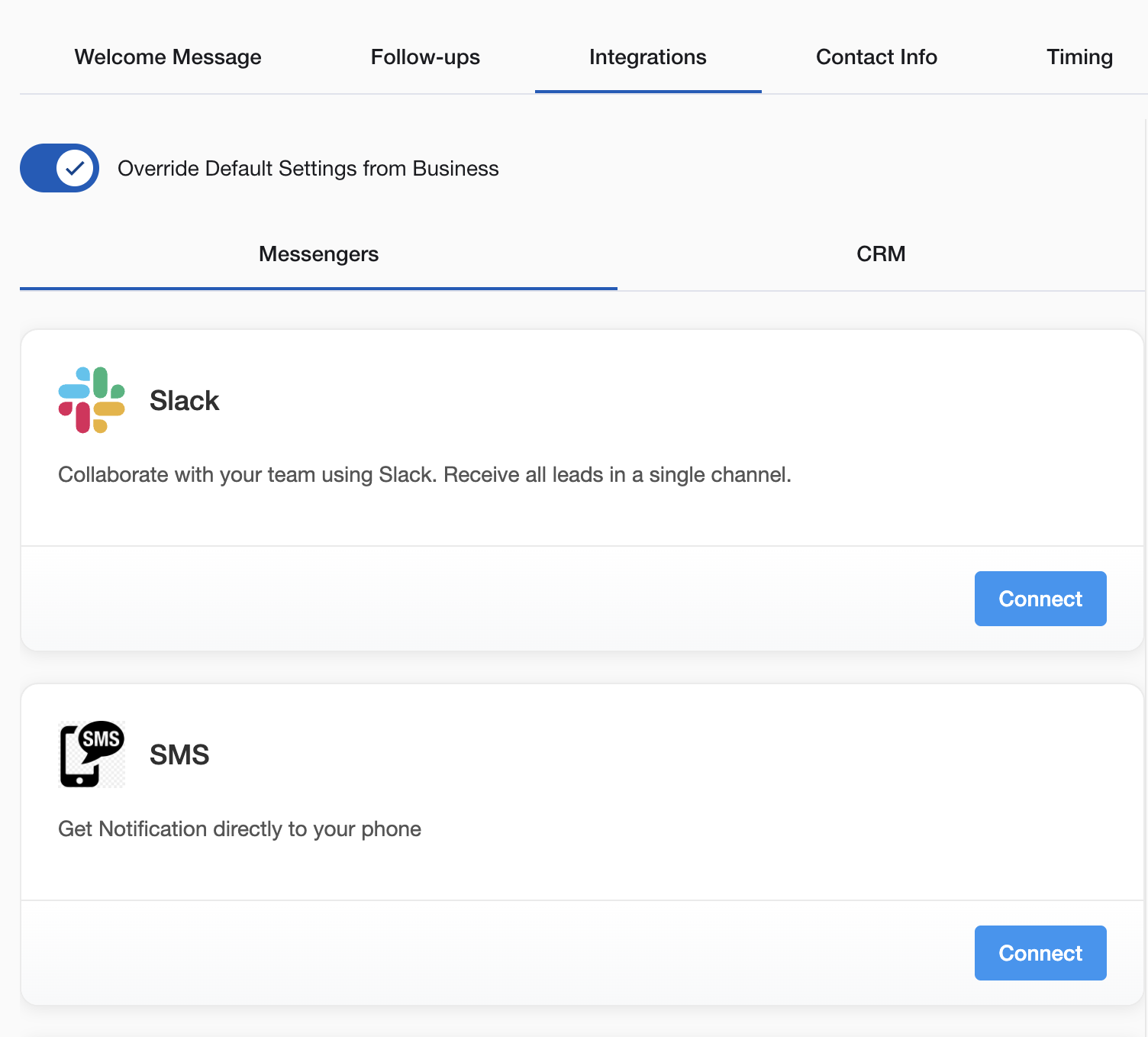
Connect your Yelp and Thumbtack Auto Responder with your existing business tools. Lead interactions automatically trigger actions in your CRM, notification channels, and other systems.
Global vs Source-Specific: Use consistent integrations across all sources, or customize connections for specific platforms (Yelp leads to one CRM, Thumbtack leads to another).
Why Connect Integrations
Without integrations, you’re copying lead data by hand, missing notifications, and losing track of conversations across systems. With integrations, leads sync automatically, your team gets notified instantly, and data flows from inquiry to close without manual work.
Yelp Business Automation Integrations
Customer Relationship Management (CRM)
HubSpot Integration
- Automatically creates contacts with conversation history
- Syncs deal pipeline based on lead engagement
- Updates contact properties for responses and contact info
- Triggers workflows for follow-up and task creation
PipeDrive Integration
- Creates deals for each lead with source tracking
- Updates stages based on engagement and responses
- Syncs contact information including phone and email
- Tracks activities for automated messages and responses
Workiz Integration
- Creates leads in service management system
- Generates jobs when prospects become customers
- Syncs customer contact details for scheduling
- Tracks lead sources for ROI analysis
GoHighLevel Integration
- Captures leads into marketing automation system
- Triggers campaigns based on lead behavior
- Updates contact records with conversation details
- Integrates with pipeline management for deal tracking
HousecallPro Integration
- Creates customer records with lead conversation history
- Generates estimates based on requirements
- Schedules appointments when prospects are ready
- Tracks lead sources for marketing effectiveness
Salesforce Integration
- Automatically creates leads and contacts with full conversation history
- Updates opportunity stages based on engagement and qualification
- Syncs all contact information including phone, email, and custom fields
- Triggers workflows and automation rules for follow-up actions
Direct Call Connections
Call Bridge
- Automatically calls you the moment a lead shares their phone number in conversation
- Bridges you and the lead into a live phone call — no manual dialing
- Optional Caller ID verification so leads see your business number
- Full call log with duration, status, and cost tracking
Team Communication & Notifications
SMS Notifications
- Instant text alerts for new qualified leads
- Daily lead summaries with response statistics
- Custom alerts for emergency keywords
- High-value prospect notifications
WhatsApp Team Alerts
- Group chat notifications with lead details
- Quick response options and collaboration
- Real-time updates when leads respond
- Team coordination on follow-up strategies
Slack Integration
- Channel notifications with lead information
- Response options directly within Slack
- Team member assignment and coordination
- Integration with existing workflow channels
Email Notifications
- Detailed lead summaries and conversation history
- Daily/weekly performance reports
- Custom alert configurations
- Team member notification preferences
Automation Platforms
Zapier Integration
- Connect to 1000+ business applications
- Custom trigger-based workflows
- Multi-platform data synchronization
- Advanced automation capabilities
Webhook Support
- Custom integration development
- Real-time event notifications
- Flexible connectivity for any system
- Custom business logic triggers
Integration Setup Process
Choose Your Integrations
Select CRM and communication tools that match your current business workflow.
Configure Connections
Authenticate integrations using secure OAuth or provided API keys.
Map Data Fields
Ensure lead information flows to correct fields in your CRM system.
Test Integration
Verify automatic data sync and notification delivery work correctly.
Monitor Performance
Track integration effectiveness through analytics dashboard.
Common Integration Strategies
Service Business Setup
- Primary CRM: Workiz or HousecallPro for job management
- Notifications: SMS for immediate response capability
- Team Chat: WhatsApp for field crew coordination
Sales-Focused Business
- Primary CRM: HubSpot or PipeDrive for deal tracking
- Notifications: Slack for team collaboration
- Automation: Email sequences for lead nurturing
Marketing-Driven Business
- Primary CRM: GoHighLevel for complete automation
- Workflows: Zapier for multi-platform coordination
- Analytics: Advanced tracking for conversion optimization
Integration Management
Data Synchronization
- Lead information updates in real-time
- Conversation history preserved across platforms
- Contact details maintained accurately
- Status changes reflected immediately
Notification Control
- Custom alert triggers based on lead quality
- Team member routing based on specialization
- Emergency keyword override capabilities
- Performance tracking and optimization
Workflow Automation
- Trigger-based business process initiation
- Multi-step automation sequences
- Conditional logic for complex scenarios
- Integration with existing business systems
Getting Started Priority
Essential Setup:
- Connect primary CRM - Preserve all lead data automatically
- Set up team notifications - Enable rapid response coordination
- Test integration workflow - Verify data flow and notifications
- Monitor and optimize - Refine based on team feedback
Advanced Configuration:
- Custom webhook development for specialized needs
- Multi-platform workflow automation
- Advanced analytics and reporting integration
- Team-specific notification customization
Your yelp AI assistant connects with these tools so leads flow through your business without manual data entry.
Questions about integration setup? Email support@nzleads.com or use in-app chat for configuration guidance.