
Lead automation for cleaning businesses: book more Yelp and Thumbtack jobs
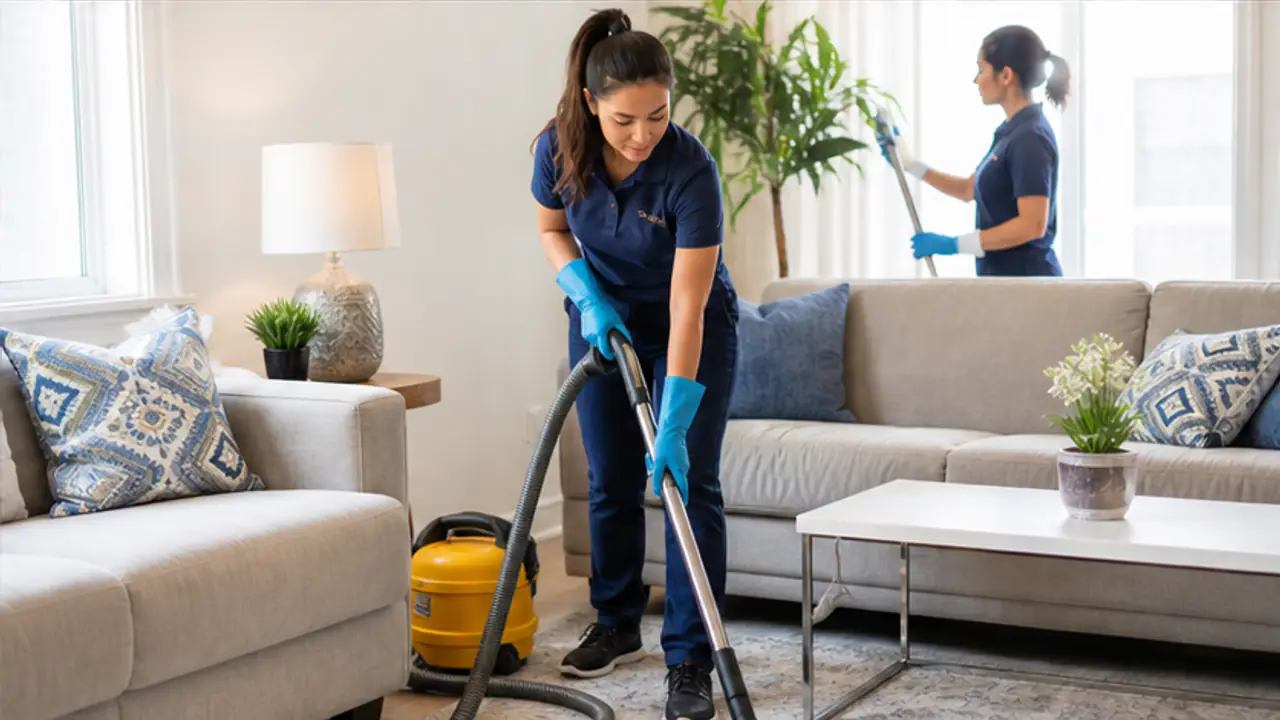
Lead automation for cleaning businesses means every Yelp and Thumbtack inquiry gets a job-specific response in under 2 seconds, 24/7, built from your services, pricing, and availability. NZ Leads connects to both accounts, asks the questions cleaning customers need answered, such as square footage and bedrooms, and gives a clear next step while the customer is still comparing quotes.
A homeowner posts a cleaning request on Yelp or Thumbtack and gets several quotes within minutes. The first business to reply books the job. Everyone else loses money on a lead they already paid for.
Most cleaning companies take 2 to 4 hours to respond. By then, the customer has already hired someone.
Tired of losing cleaning leads to faster competitors? Try NZ Leads free and create a job-specific response for every Yelp and Thumbtack inquiry in under 2 seconds.
How fast do cleaning businesses need to reply on Yelp and Thumbtack?
Within 5 minutes, and sooner is better. The MIT Lead Response Management Study found that a business that waits 30 minutes instead of 5 is 100 times less likely to reach the lead and 21 times less likely to qualify it (Dr. James Oldroyd, 2007). Harvard Business Review found that a lead contacted within the first hour is about 7 times more likely to qualify than one contacted an hour later (HBR, 2011).
Cleaning customers compare several businesses at once. They pick whoever answers first with clear info about availability and pricing.
That puts a cleaning owner in a bind: the hours when leads arrive are the hours you are on a job with gloves on, driving between houses, or asleep. Automation does not make you a better cleaner. It makes sure the first answer goes out while the customer is still looking at their phone.
What details arrive with a Yelp or Thumbtack cleaning lead?
Both platforms pass the request into NZ Leads with the details the customer already entered, so the first reply can build on them instead of asking again.
| Detail | Yelp | Thumbtack |
|---|---|---|
| Customer name | Yes | Yes |
| What they need | Project or job name, plus the survey answers they filled in | Service category and job description |
| Where | Postal code or service location | Postal code or service location |
| When | Availability status and dates | The availability they selected |
| Photos or files | Project attachments | Documents or images they uploaded |
| Phone number | When the customer chooses to share it on Yelp | When the customer shares it in the conversation |
What usually is not there yet is the information you need to price a clean: the size of the home (bedrooms, bathrooms or square footage), standard, deep or move-out clean, one time or recurring, pets, and whether you bring the supplies. A good first reply asks for the one or two of those that matter most to your quote, and leaves the rest for the conversation.
What should the first reply to a cleaning lead say?
Four parts, in this order. Keep it short enough to read on a phone screen.
- Confirm the job in the customer’s words. “A move-out clean for a 2-bedroom apartment” tells them a person-quality answer arrived, not a form letter.
- Ask what you need to quote. One or two questions, never a questionnaire. Size of the home and type of clean are usually enough to give a range.
- Give a price range, if you share one. Customers on Thumbtack and Yelp are comparing quotes; a range from your own price sheet keeps you in the comparison.
- Offer a next step. Two open time windows, or a short call, so the customer has something to say yes to.
Example: a customer requests a move-out cleaning quote on Yelp. NZ Leads writes a reply in under 2 seconds that confirms you do move-out cleans, asks about square footage and bedrooms, and notes your next open slot.
Not a canned “thanks for reaching out” message. A real response that addresses what the customer asked, mentions your availability, and gives a clear next step. On Thumbtack the same kind of reply goes out to the customer instantly.
Can lead automation quote cleaning prices?
Only the prices you give it. NZ Leads has a Pricing field for the ranges, starting prices or per-unit rates you are happy to share early. When that field is empty, the AI does not quote a number and deflects pricing questions, so you can keep pricing for the phone if you prefer.
For a full price sheet (by home size, deep clean add-ons, move-out rates, recurring discounts), upload it to the AI’s reference library along with your FAQ and service-area list; it accepts up to 3 files per source. Anything you do not do, such as post-construction cleanup or carpet shampooing, goes in the “Services not Providing” field: the AI declines those requests politely and does not chase them with follow-ups.
It learns your business over time, matching your voice and handling the specific questions cleaning customers ask (square footage pricing, supplies included, pet surcharges, cancellation policies).
How do you turn one-time cleaning leads into recurring clients?
Ask about frequency in the first reply. A customer asking for a one-time deep clean is often open to a regular schedule, and the first conversation is the cheapest moment to offer it.
NZ Leads identifies recurring service requests (weekly cleaning, biweekly, monthly) and prioritizes them with detailed follow-up about your packages and pricing tiers. Recurring customers are the highest-value leads a cleaning business gets.
To make that work, write your recurring offer into the AI instructions: which frequencies you offer, how recurring pricing compares with a one-time clean, and whether a first deep clean is required before a regular schedule starts. The AI then mentions it when the request fits, instead of every customer hearing the same pitch.
What happens after hours, and when a customer stops replying?
A large share of cleaning leads on Yelp come in evenings and weekends. If you don’t respond until morning, those leads are gone. NZ Leads runs 24/7 and handles seasonal spikes too. Spring cleaning season and holidays won’t mean lost leads just because you’re booked solid and can’t check your phone.
When a customer reads the first reply and goes quiet, follow-ups take over. You set the sequence (for example Day 1, Day 3 and Day 7) and it stops the moment the customer replies or books, so nobody is chased after saying yes. Follow-ups also respect the weekly schedule you set, so a 10 PM inquiry gets its first answer right away while the next nudge waits for the hours you allow.
When you want to take a conversation over yourself, reply in the thread on the Leads page. The AI conversation for that lead stops, so you and the AI never talk over each other. The follow-up guide covers how to write a sequence that adds something new each time instead of repeating “just checking in”.
What is lead automation worth to a cleaning business?
The win comes from converting leads you already pay for with a job-specific response created in under 2 seconds, every time. Here is an illustrative hypothetical at 40 monthly leads and a $200 average job - your real numbers depend on your market, pricing, and lead quality:
| Metric | Without NZ Leads | With NZ Leads |
|---|---|---|
| Monthly leads (Yelp + Thumbtack) | 40 | 40 |
| Response time | Hours | Under 2 seconds |
| Reply built from your services, pricing, and availability | Sometimes | Every lead |
| Coverage | When you check your phone | 24/7 |
The lead spend doesn’t change. Speed and consistency do - and on a paid lead, recovering even a few extra bookings a month covers the cost several times over.
To check this on your own numbers, compare two things before and after you switch it on: how many Yelp and Thumbtack leads turned into a booked clean, and what you spent on those leads. The Thumbtack cost per lead guide shows how to work out your real cost per booked job.
How to set up lead automation for your cleaning business
Cleaning company lead automation is the same setup for a one-person service and a business with several crews: each Yelp location and each Thumbtack Pro account is its own source with its own instructions. Setup takes under 2 minutes:
- Connect your Yelp and Thumbtack accounts
- Add your services, general pricing, and availability
- NZ Leads starts creating job-specific responses for new leads right away
Before you rely on it, read the first few conversations on your Leads page and add anything the AI should have known to your instructions. Pricing is flat per source: $99 a month for each connected Yelp location and $99 a month for Thumbtack, with no per-lead fees, no contracts and a 7-day free trial.
For how each platform works on its own, see the Thumbtack auto responder and the Yelp auto responder guide. Running Facebook, Instagram or Google Local Services Ads too? Lead response automation covers every supported channel in one inbox, and the landscaping lead automation guide shows the same setup for a seasonal trade.
Stop watching leads go to whoever checks their phone first. Try NZ Leads free and see how many more Yelp and Thumbtack leads turn into booked jobs.